


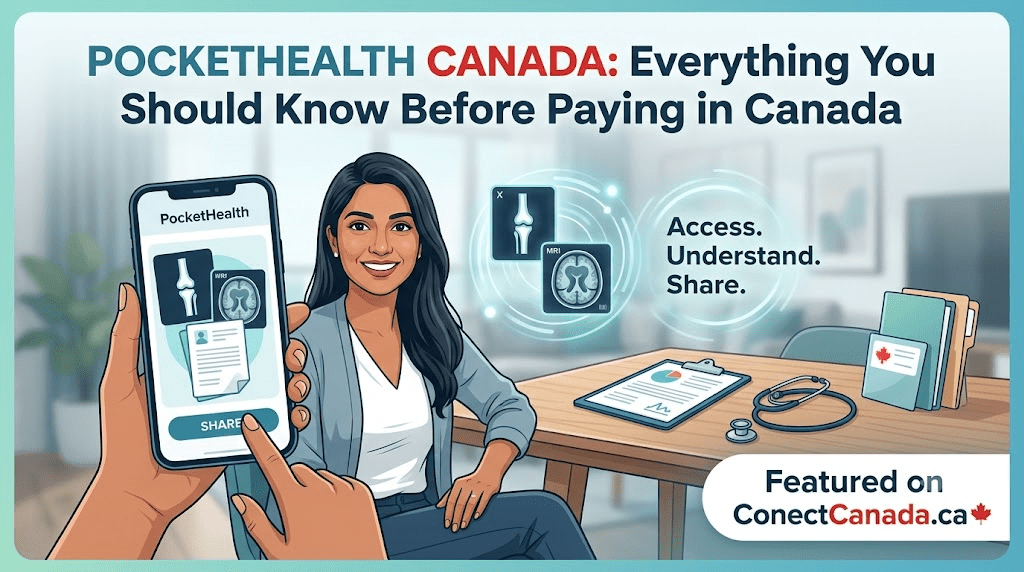
If you’ve recently had an X-ray, MRI, CT scan, ultrasound, or mammogram in Canada, there’s a good chance your imaging centre or hospital uses PocketHealth to deliver your medical images and radiology reports securely.
Instead of waiting for CDs or visiting the hospital to collect records, PH allows patients to access and share their medical imaging online from any device.
This guide explains everything you need to know about PH, including its features, benefits, supported hospitals, pricing, privacy, and frequently asked questions.
Contents
- 1 What is PocketHealth?
- 2 How PocketHealth Works
- 3 Features of PocketHealth
- 4 Benefits of PH
- 5 Types of Imaging Available
- 6 Is PH Free?
- 7 PocketHealth Login
- 8 How to Share Medical Images
- 9 Participating Hospitals in Canada
- 10 Privacy and Security
- 11 Who Can Use PH?
- 12 Common Reasons People Use PocketHealth
- 13 Advantages Over CDs
- 14 Tips for Using PocketHealth
What is PocketHealth?
PocketHealth is a secure online medical imaging platform that allows Canadian patients to:
- Access diagnostic imaging records
- View radiology reports
- Download medical images
- Share records with doctors and specialists
- Store imaging history securely online
The platform works with hundreds of hospitals and diagnostic imaging clinics across Canada.
How PocketHealth Works
The process is simple.
Step 1
Visit a participating imaging centre for your MRI, CT scan, X-ray, ultrasound, or mammogram.
Step 2
The imaging facility uploads your images after your examination.
Step 3
You’ll receive an email invitation from PH.
Step 4
Create your secure account.
Step 5
Verify your identity.
Step 6
View or download your medical images and reports.
Features of PocketHealth
PH offers numerous features designed for patients.
1. Instant Access
Patients can access imaging records without waiting for mailed CDs.
2. Secure Storage
Your records are securely stored online and available whenever needed.
Share your imaging instantly with:
- Family physicians
- Specialists
- Surgeons
- Physiotherapists
- Chiropractors
- Second-opinion providers
4. Mobile Access
PH works on:
- Desktop computers
- Tablets
- Android devices
- iPhones
5. Digital Image Downloads
Patients can download:
- MRI images
- CT scans
- X-rays
- Ultrasounds
- Mammograms
6. Radiology Reports
Most participating providers also upload:
- Radiologist reports
- Exam summaries
- Historical imaging records
Benefits of PH
Patients choose PocketHealth because it offers:
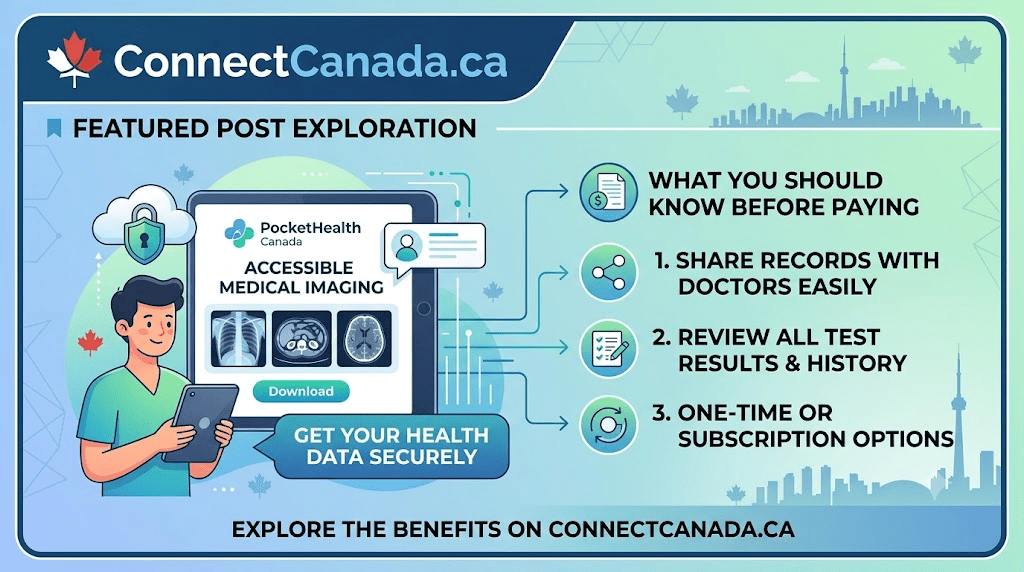
- No CDs or USB drives
- Fast image sharing
- Secure cloud storage
- Access anywhere
- Reduced hospital visits
- Easy specialist referrals
- Better record organization
Types of Imaging Available
Depending on your healthcare provider, PH may include the following:
| Imaging Type | Available |
|---|---|
| MRI | Yes |
| CT Scan | Yes |
| X-Ray | Yes |
| Ultrasound | Yes |
| Mammogram | Yes |
| Bone Density Scan | Often |
| PET Scan | Some facilities |
| Fluoroscopy | Some hospitals |
Is PH Free?
Many healthcare providers offer basic access to patients at no cost.
Some optional premium services may include:
- Permanent cloud storage
- Additional sharing options
- Advanced image management
- Long-term record organization
Features and pricing may vary by healthcare provider.
PocketHealth Login
To access your account:
- Open the PocketHealth website.
- Click Login.
- Enter your registered email.
- Verify your identity if prompted.
- Access your available imaging records.
Sharing records is simple.
- Log into your PocketHealth account.
- Select an imaging exam.
- Click Share.
- Generate a secure access link.
- Send the link to your healthcare provider.
This eliminates the need for CDs or printed films.
Participating Hospitals in Canada
PocketHealth partners with hundreds of healthcare organizations across Canada, including many hospitals and diagnostic imaging clinics in:
- Ontario
- British Columbia
- Alberta
- Saskatchewan
- Manitoba
- Nova Scotia
- New Brunswick
- Newfoundland and Labrador
Availability depends on the individual healthcare provider.
Privacy and Security
PocketHealth is designed with patient privacy in mind.
Security features include:
- Encrypted data transmission
- Secure cloud infrastructure
- Identity verification
- Controlled sharing permissions
- Protected patient accounts
Patients decide who can access their medical images.
Who Can Use PH?
PocketHealth is suitable for:
- Patients
- Parents managing children’s records
- Seniors
- Specialists
- Family physicians
- Caregivers (where authorized)
Common Reasons People Use PocketHealth
Patients often use PH to
- Obtain a second medical opinion
- Prepare for surgery
- Share imaging before specialist appointments
- Keep personal medical records organized
- Avoid duplicate imaging exams
- Access previous scans while travelling
Advantages Over CDs
| PocketHealth | Traditional CD |
|---|---|
| Online Access | No |
| Instant Sharing | No |
| Mobile Friendly | No |
| Secure Cloud Storage | No |
| No Physical Media | Yes |
| Easy Specialist Access | Yes |
Tips for Using PocketHealth
- Register using the same email provided to your imaging centre.
- Keep your login credentials secure.
- Download important reports for personal records.
- Share links only with trusted healthcare providers.
- Regularly review your imaging history.
Frequently Asked Questions
What is PocketHealth?
It is an online platform that allows patients to securely access, download, and share medical imaging records and radiology reports.
Is PocketHealth available across Canada?
Yes. Many hospitals and imaging clinics across Canada participate, although availability varies by healthcare provider.
Can I download my MRI images?
Yes. Most participating providers allow patients to download MRI images along with other diagnostic imaging records.
Can I share my scans with another doctor?
Yes. PocketHealth enables secure sharing of imaging records through digital links.
Is PocketHealth secure?
Yes. The platform uses encryption, identity verification, and secure cloud technology to help protect patient information.
Do I need to install software?
No. PocketHealth works through a web browser, making it accessible on computers, tablets, and smartphones.
PocketHealth has transformed how Canadians access and manage medical imaging records. Replacing physical CDs with secure digital access allows patients to quickly and conveniently retrieve scans, review radiology reports, and share imaging with healthcare providers.
Whether you’re preparing for a specialist consultation, seeking a second opinion, or simply organizing your health records, PH offers a modern, patient-friendly solution that saves time while keeping your information secure.
Also Visit: Rocket Doctor Contact Number & Virtual Services in Canada
Get all the information about Canada on ConectCanada.ca